
How to Update Your Slack Profile Picture and Job Title
Follow these steps to update your profile picture and job title in Slack:
Steps to Update Your Profile
-
Access Your Profile Settings
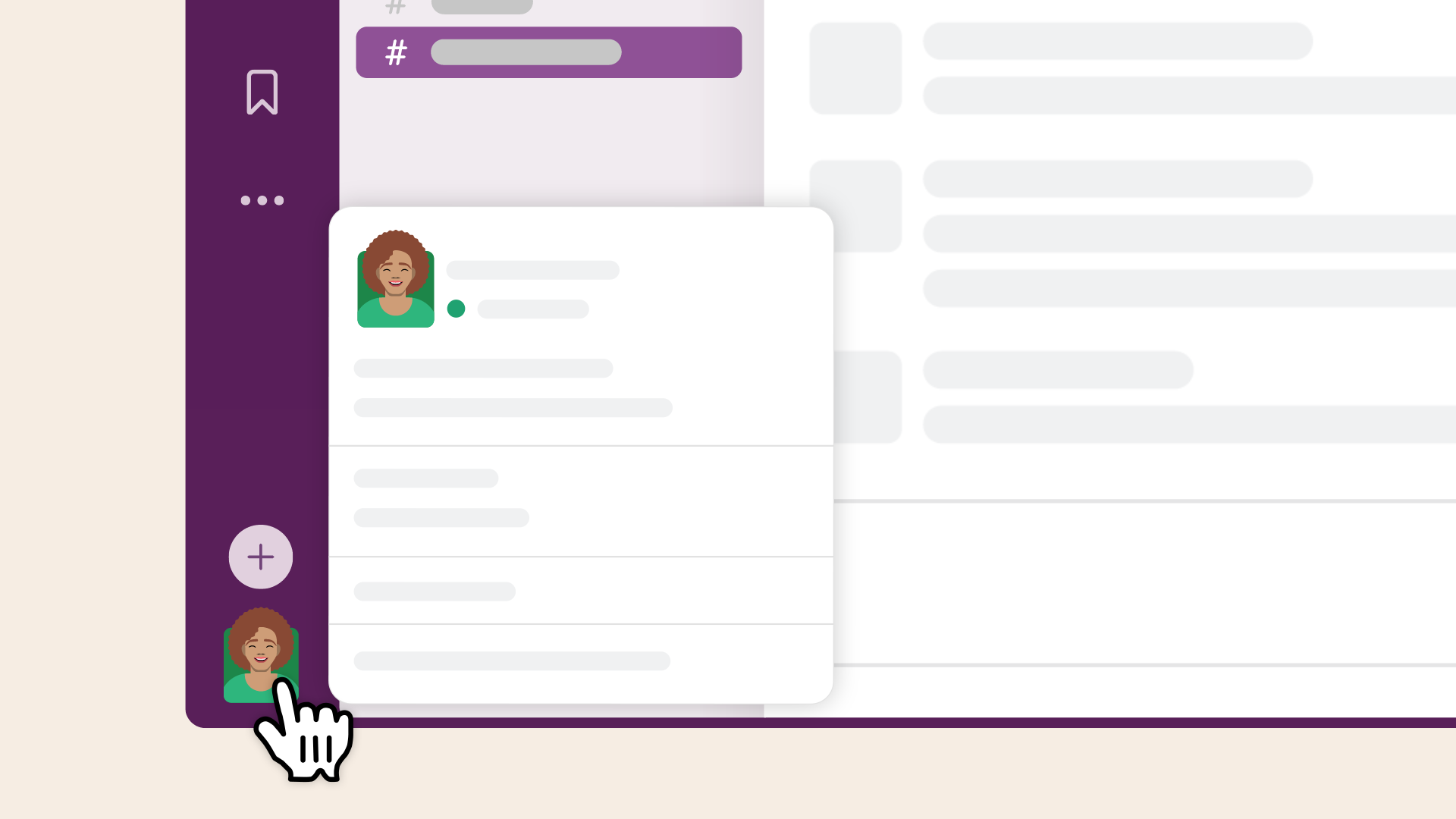
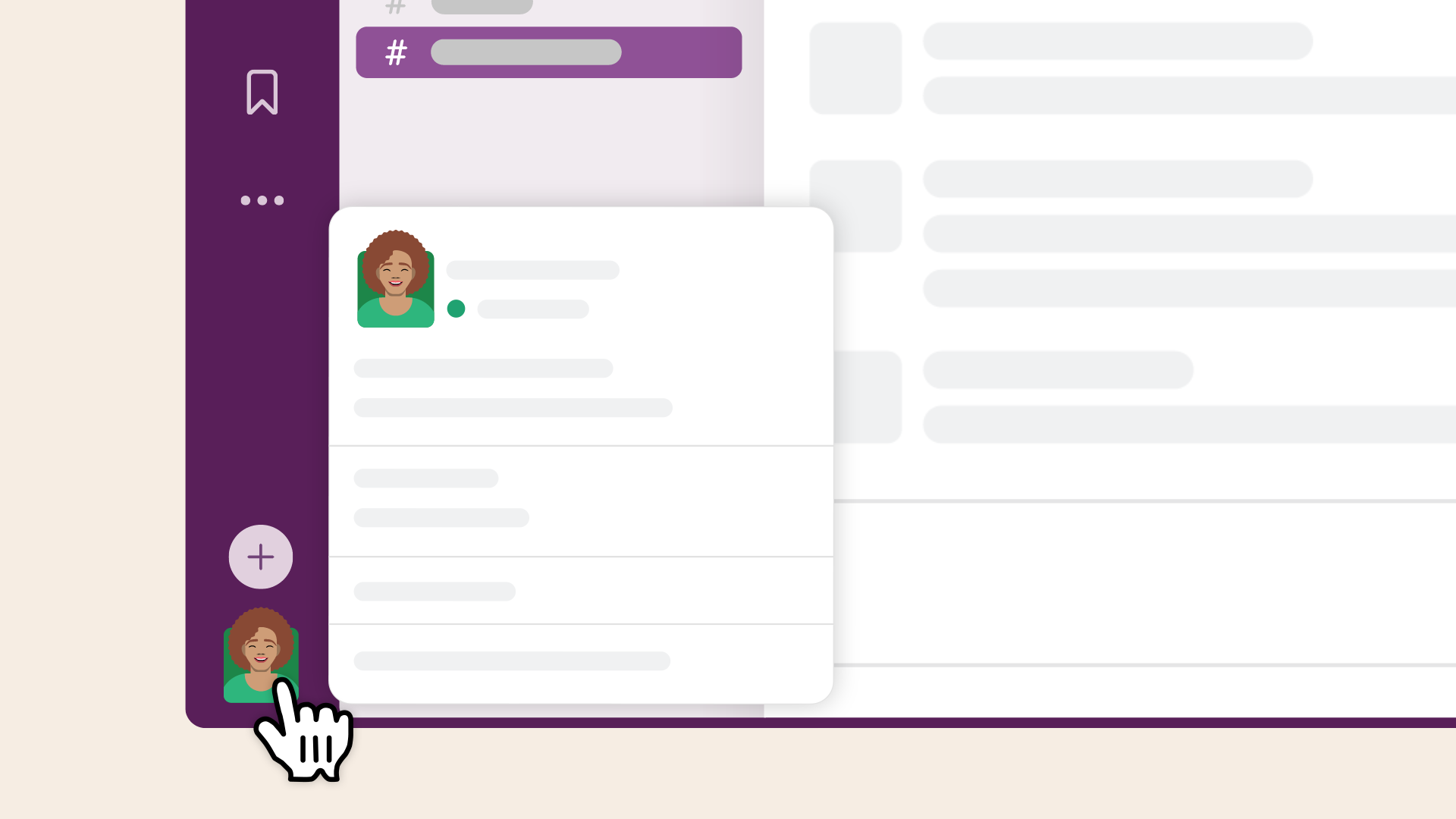
- Click your profile picture in the top-right corner of the sidebar.
-
-
Open Your Profile
- From the dropdown menu, select Profile.
-
Edit Your Profile
- On your profile page, click the Edit button.
-
Update Your Profile Picture
- Click on your current profile picture (or the placeholder image) to upload a new picture.
- Choose a photo from your computer.
- Adjust and crop the image as needed.
- Click Upload to save the changes.
- Click on your current profile picture (or the placeholder image) to upload a new picture.
-
Update Your Job Title
- Locate the Job Title field in the profile editor.
- Enter or update your job title to reflect your current role.
-
Save Your Changes
- After making the updates, click Save Changes to apply them.
Tips
- Ensure your profile picture is professional
- Use your official job title for consistency across all Malahat Nation platforms (ie. Microsoft).
No comments to display
No comments to display