How to Update Outlook Signature
If you're using new Outlook, for more information about email signatures, or if you haven’t created one yet, see Add a signature to messages.
-
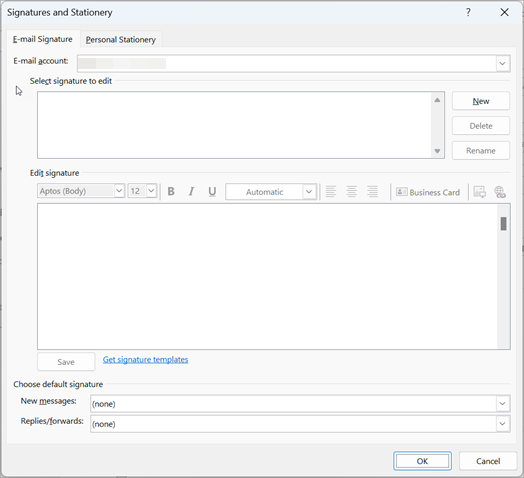
Select File > Options > Mail > Signatures.
-
Select the signature you want to edit, and then make your changes in the Edit signature box.
-
When you're done, select Save > OK.