Getting started on iPhone
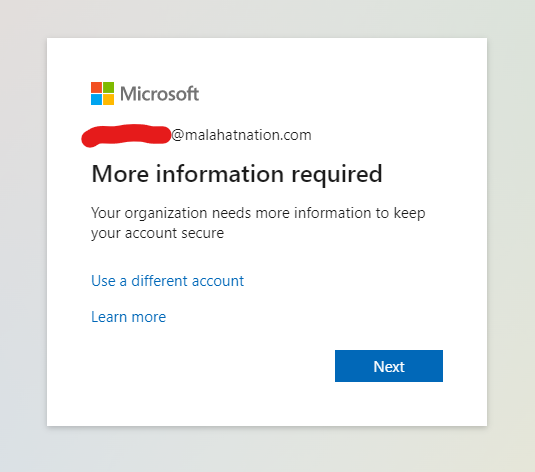
Section 1: Login to office.com on your PC
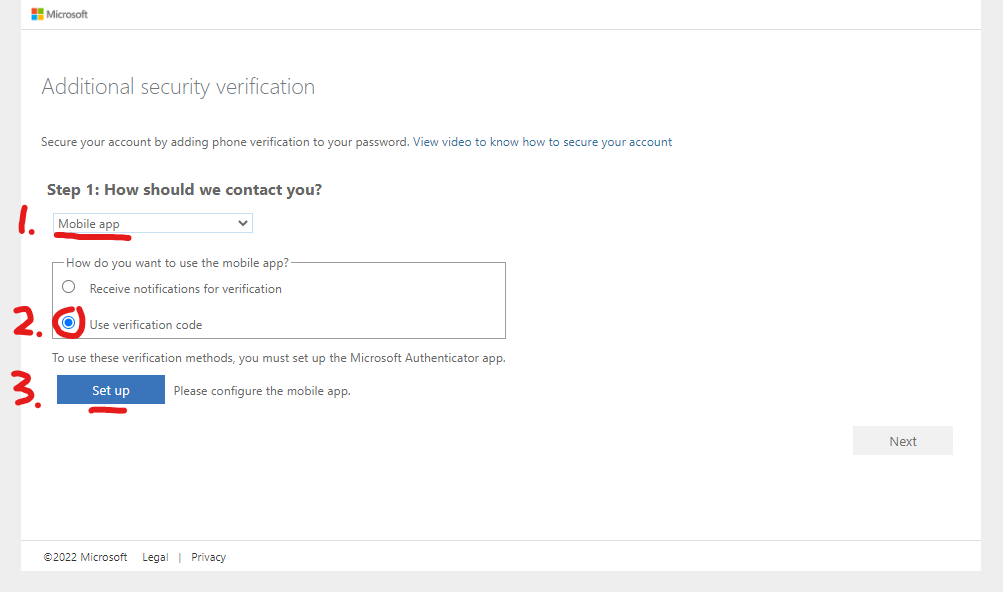
2. Select 'Mobile app', 'Use verification code', and finally, 'Set up'
3. Once you see the QR code, leave the screen up and switch over to your phone
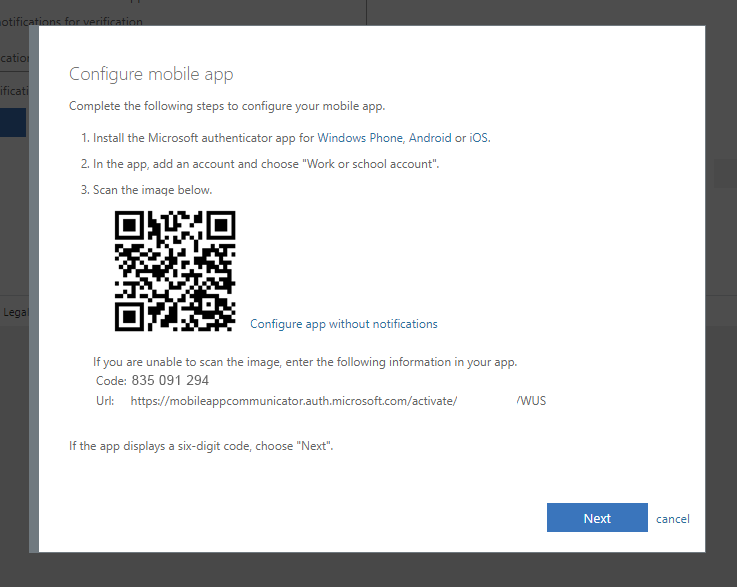
Section 2: Get the mobile app
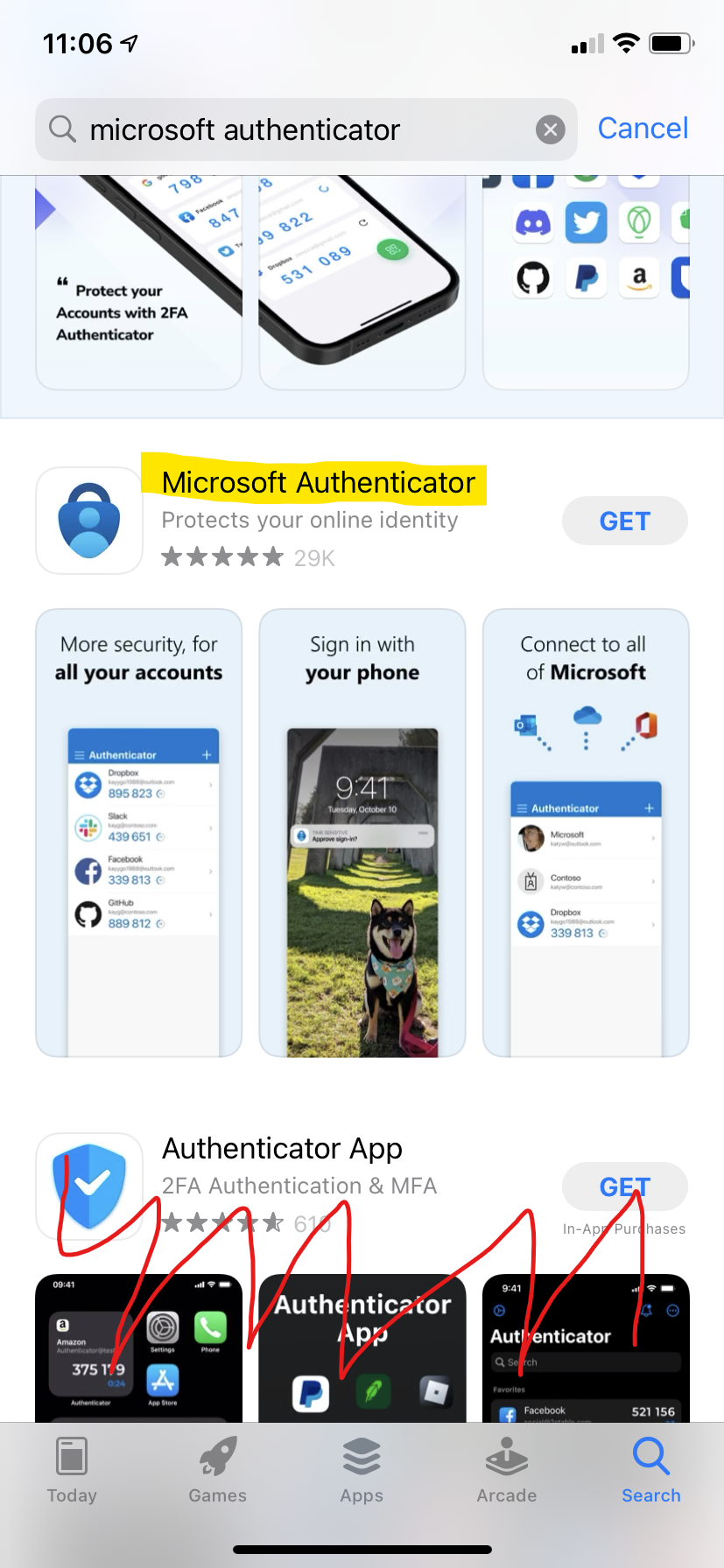
Microsoft Authenticator on the Apple App Store: https://apps.apple.com/ca/app/microsoft-authenticator/id983156458
Please ensure you download the correct app, as many of the options have similar names and logos
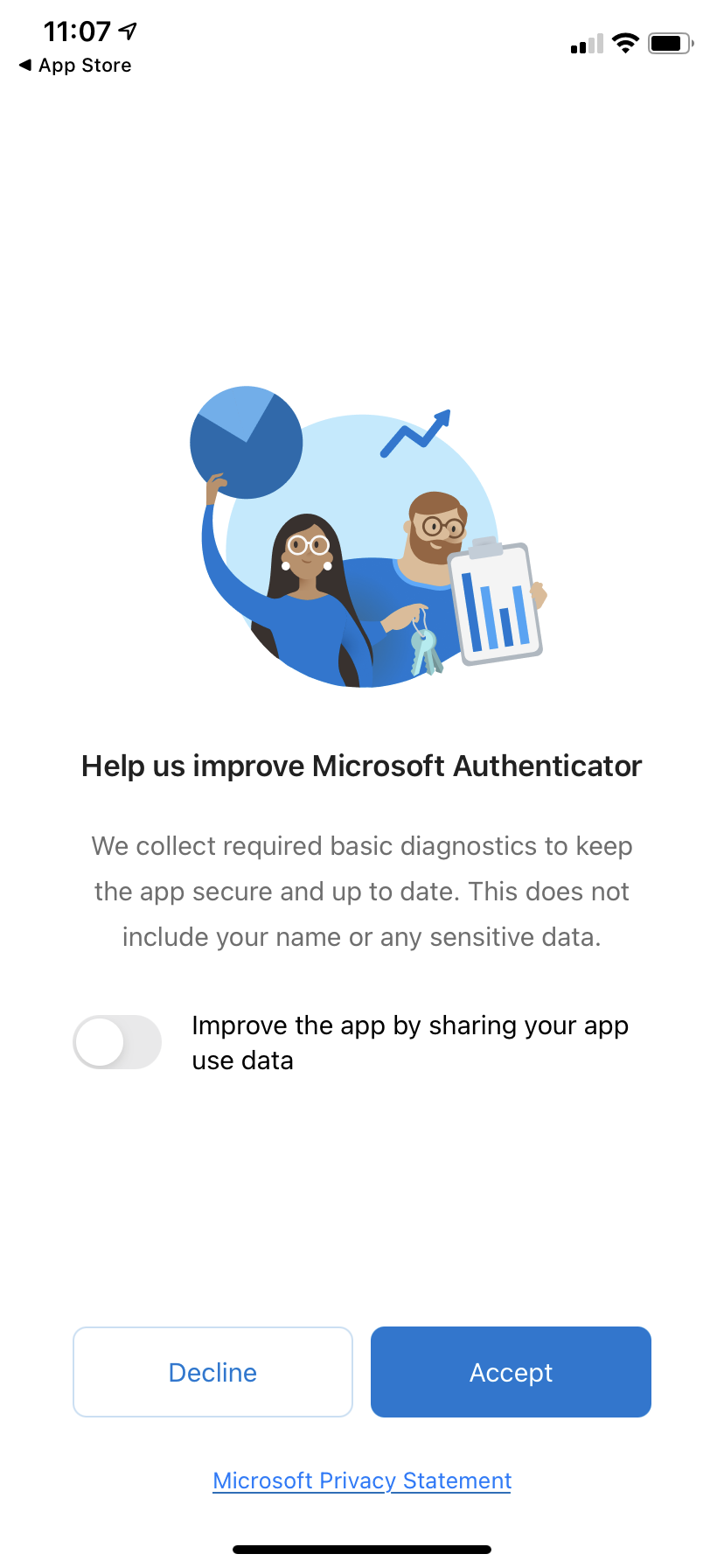
2. Upon opening the app for the first time, you will be greeted with the above page. You do not have to move the slider, but you must click 'Accept'
3. Click 'Scan a QR code'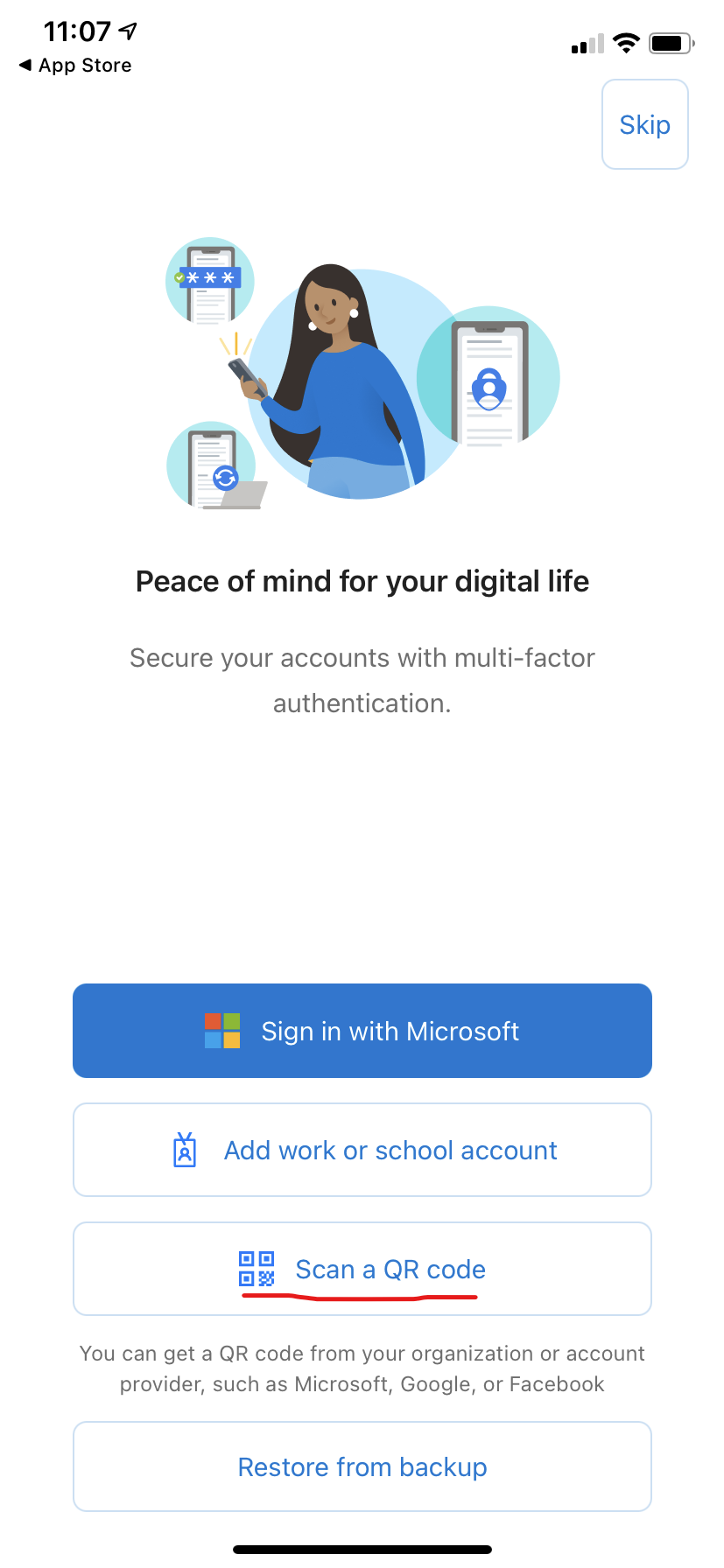
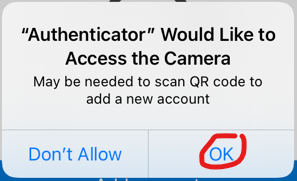
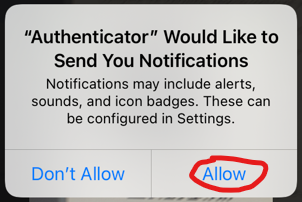
4. Allow access to your camera and allow notifications via the security pop-ups.